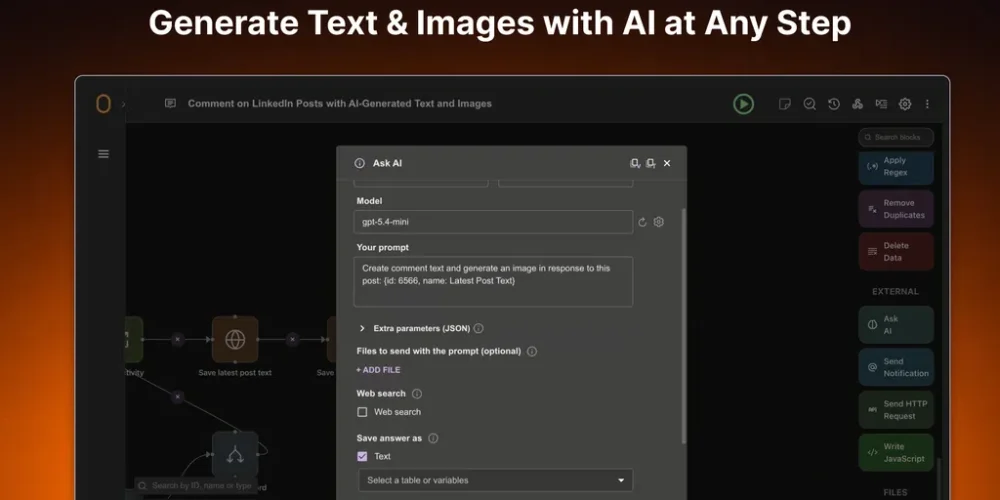
ZeroWork review: this AppSumo deal is for automating repeated browser work through visual TaskBots. It is most interesting when a task happens on a website and your team repeatedly clicks, copies or enters the same kind of information. The important costs are setup, maintenance and the environment that runs the bot.
My verdict is to test one small internal workflow before buying for a large automation programme. A bot that works once is a demonstration; a useful business process also handles missing data, interruptions and duplicate work. I have not independently tested ZeroWork’s reliability or its AI builder.
Check the live ZeroWork AppSumo offer →
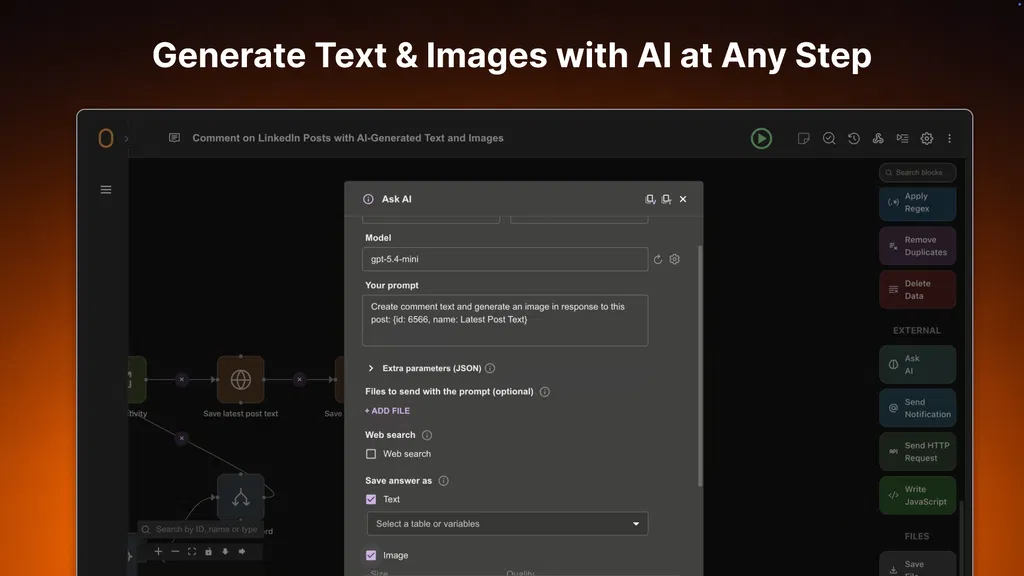
Watch the ZeroWork AppSumo demonstration
What is ZeroWork?
ZeroWork is a browser-automation platform with a visual builder, data tables and desktop agents. The current listing describes AI-assisted TaskBot creation, optional AI steps and integrations with data destinations. It can be relevant where a supported API or native integration does not cover the job.
A practical first use case might be collecting a report from a business account you manage and placing selected information into a working table. Write down the expected inputs and output before building. If the manual process is ambiguous, automation can repeat that ambiguity faster.
ZeroWork AppSumo pricing
The first four tiers checked on 23 November 2026 showed these allowances.
| Tier | Price | TaskBots | Scheduling interval | Desktop agents |
|---|---|---|---|---|
| 1 | $98.10 | 75 | Every 5 minutes | 1 |
| 2 | $206.10 | Unlimited | Every 5 minutes | 1 |
| 3 | $323.10 | Unlimited | Every 30 seconds | 2 |
| 4 | $548.10 | Unlimited | Every 30 seconds | 5 |
Unlimited TaskBots is not the same as unlimited machines or free external AI processing. Count where the work must run and whether your intended schedule actually needs the shorter interval.
Faster scheduling is useful only when the process benefits from it. A daily report rarely needs to be checked every thirty seconds, and unnecessary repeated runs create more activity to inspect and maintain.
Desktop runtime matters
The official getting-started guide describes installing a desktop agent and Chrome for execution. Confirm the current supported environment, what must remain running and how scheduled work behaves when the machine sleeps or loses its connection.
Choose an execution environment someone is responsible for maintaining. A critical workflow should not depend on a laptop that is regularly closed or taken away without anyone understanding the effect. Include updates, login sessions and recovery in your operating plan.
Run a test after restarting the environment. A task that succeeds only immediately after setup may still need work before it is useful unattended.
Visual building still needs process design
Break the workflow into clear stages: open the source, identify the relevant record, read or enter information, verify the result and record completion. Each stage should have an observable success condition.
Use a small test dataset first. Include a normal record, an empty field, an unexpected value and an item already processed. This reveals whether the workflow is robust enough to continue beyond the easiest example.
Keep the output inspectable. A table with the source, retrieval time, result and status is more useful than a bot that performs actions without leaving a clear record of what happened.
AI building and AI execution are different costs
The listing distinguishes using AI to assemble a TaskBot from running the resulting deterministic workflow. An optional AI step inside the bot is a separate decision. Confirm the model provider and usage costs if your process generates or analyses content on every run.
Use AI where judgement is useful, such as drafting a summary for review. Use clear rules for tasks that need consistent matching or arithmetic. A fluent summary should not replace checking whether the underlying source was read correctly.
Test the total workflow cost using realistic input lengths. A short sample can hide the expense of repeatedly sending large pages or documents to an outside model. Keep the provider bill separate from the prepaid platform licence in your calculation.
Changes and failure recovery
Websites change labels, layouts and loading behaviour. An automation needs a way to identify a failure rather than silently continuing with the wrong field or record. Decide which failures should stop the run and which can be retried safely.
The official support guide points users towards agent updates, run reports and reproducible steps. Keep enough detail to explain what failed, using a small example where possible.
Do not automatically repeat an action that may already have succeeded. Creating a record, submitting a form or sending a message can have a different retry risk from reading a page. The completion check should make that distinction clear.
Practical uses and limits
Good candidates are repetitive tasks with stable inputs, a clear output and enough volume to justify maintenance. Poor first candidates are rare, highly variable tasks that require a person to interpret every case.
The vendor markets features intended to reduce automation detection. This review does not verify those claims or treat them as a guarantee that an account cannot be restricted. Choose workflows you are authorised to run and evaluate their practical reliability directly.
If the job is acquiring B2B research data, my LeadOcean review and A-Leads review cover data services that may remove the need to build a browser workflow for some lookups. Compare the direct data route with the maintenance required by automation.
A useful pilot and comparison
- Choose one repeated internal task.
- Document the manual steps and expected result.
- Build with a small representative dataset.
- Test interruption, missing data and duplicate prevention.
- Review output quality and maintenance time over several runs.
Compare the completed process with doing the work manually or using an existing integration. Include setup and recovery time. Saving a few minutes per run may be worthwhile, but only if maintenance does not consume the saving.
For coordinating ownership and exceptions, my Nifty review covers a project workspace. Someone should own the workflow even when the repetitive steps run automatically.
Does unlimited local runtime mean free AI?
No. External model usage and any optional services need their own cost check.
Should I buy the fastest schedule?
Only if the business process benefits from that frequency and the environment can support it.
My ZeroWork verdict
ZeroWork could be useful for a defined, repeatable browser task. Test the complete process, include failure recovery and choose agents and scheduling based on actual operating needs.
See ZeroWork pricing, limits and current availability →
Sources: current AppSumo listing and deal terms and the official sources linked in this review. Prices in USD, checked 23 November 2026; verify the live checkout total.