Depositphotos review: the AppSumo Black Friday offer is interesting if you need licensed visuals without committing to another monthly bill. But there is one detail you need to understand before buying: this is a finite bundle of credits. “Lifetime access” does not mean unlimited downloads, and your allowance does not reset every month.
I like the buying model for bloggers, small businesses and creators with irregular image needs. I would be much more cautious if you produce video at scale or need assets for merchandise. This review explains the offer, the practical maths and the questions I would settle before spending money.
Check the current Depositphotos AppSumo deal →
Depositphotos review: my quick verdict
Worth considering for occasional stock-media purchases; less convincing as a complete creative subscription replacement. The attraction is the ability to prepay for a known allowance and use it when a suitable project comes along. The danger is buying extra codes because they look cheap, then discovering that your actual projects require different licensing or a different kind of content.
My starting point would be one real campaign: a website refresh, an email sequence or a month of planned articles. Search for suitable assets for that campaign before buying. If the library gives you a useful shortlist, the deal has a purpose. If you are hoping it will inspire a business you have not started, keep your money for now.
What is Depositphotos, and what can you use it for?
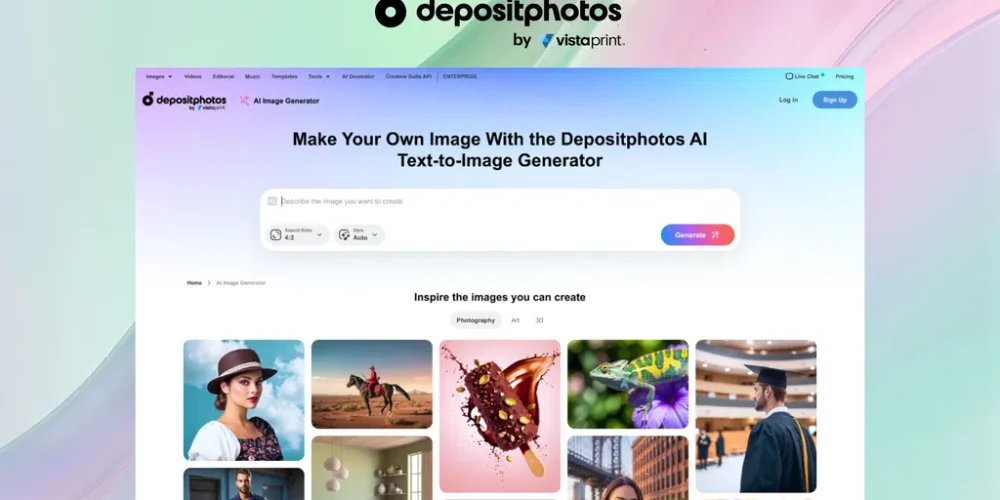
Depositphotos combines a stock-media catalogue with AI image tools. AppSumo presents it as a source of photography, vectors, footage and audio, alongside image generation and editing. Those are different workflows, so I would evaluate them separately instead of treating the headline library size as proof that every creative requirement is covered.
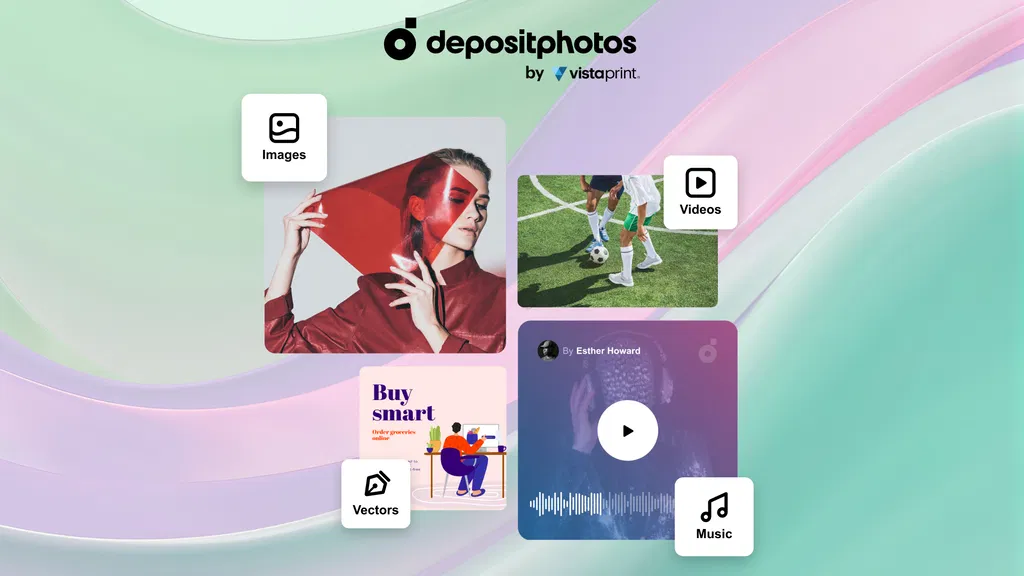
Stock assets for articles, ads and client work
A stock library is useful when you need a recognisable subject quickly: a business setting, a seasonal scene or a supporting visual for an article. My advice is to search with the layout in mind. A beautiful image can still be a poor purchase if there is nowhere to put your headline, the crop removes the subject, or its style clashes with the rest of the campaign.
For a client project, build a shortlist and obtain approval before spending credits. Keep a record of the asset identifier, download date and applicable licence. This simple habit makes later revisions and client handovers much easier than trying to reconstruct where an image came from six months after the website launched.
AI image generation and editing
The listing includes a separate allowance for AI generation. I would treat that as an additional creative option, rather than assuming it has the same cost or output as downloading an existing photograph. A generated concept may require several attempts before it fits your brief. Budgeting by final usable images is more helpful than counting every generation as a finished deliverable.
For factual product reviews, use real screenshots to demonstrate the interface. Generated visuals can support a concept, but they should not imply that you photographed a product or tested a feature. That distinction matters when the entire purpose of a review is helping someone make a confident purchase.
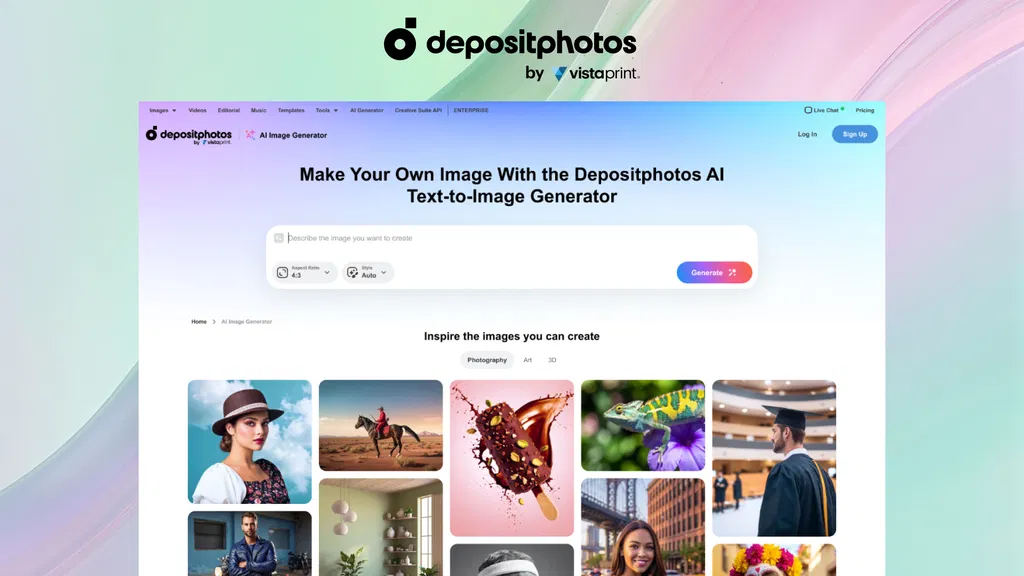
Watch the AppSumo product video
The video below is embedded from the Depositphotos AppSumo listing. Use it to see the product presentation and interface, then check the written deal terms for the allowance you are actually buying.
Depositphotos AppSumo pricing: do the credit maths first
The live listing showed $53.10 for one code when checked, alongside a $59 reference price. It described 100 one-time multi-content credits plus 100 one-time AI image-generation credits per code. These are separate allowances; do not assume unused stock credits can be exchanged for extra AI generations.
The arithmetic below uses the current deal-terms panel, which states one credit for an image or audio file and ten credits for a video. Older indexed information and older founder wording differ, so confirm the rate on your purchase and redemption screens before relying on a video budget.
| Planned use | Credits used | What it means |
|---|---|---|
| 100 one-credit downloads | 100 | About $0.53 per download if all credits are used |
| 40 one-credit downloads | 40 | $1.33 per asset used so far, with 60 credits remaining |
| 20 images plus 8 ten-credit videos | 100 | A mixed-media example, subject to the current video rate |
These figures allocate the whole purchase price to stock usage and place no separate monetary value on the AI allowance. They are budgeting examples, not a promise that every file is eligible or that every project has identical requirements. Taxes, currency conversion and future price changes can affect your actual cost.
For a blogger publishing four articles a month with one paid image each, 100 one-credit downloads would cover 25 months in that hypothetical workflow. For an agency consuming 25 images a week, the same allowance would last four weeks. That difference is why I would buy according to an asset forecast rather than the word “lifetime”.
How I would assess the deal before buying
- Write down the next ten assets you need. Include subject, orientation, intended placement and whether a real screenshot would be more useful.
- Search for several acceptable options per brief. One perfect search result is less reassuring than finding a consistent style across the whole campaign.
- Check the intended use against the licence. An editorial illustration, client advertisement and image-led product for resale are different situations.
- Estimate credits from the planned asset mix. Account for the video rate and keep the separate AI allowance out of the stock calculation.
- Redeem promptly and test the workflow. Check file selection, downloads and account credit balances while the refund window remains open.
If your priority is making better YouTube thumbnails, the image is only one ingredient. Composition, text hierarchy and the promise of the video matter too. My Thumbnail Blaster review covers a related thumbnail-creation workflow. It is an older review, so verify that product’s current availability before treating it as a purchase recommendation.
After downloading assets, organise the originals and licence records together. If you are reviewing your wider file-storage setup, see my pCloud review for the storage side of the process, with the same reminder to check current plan details.
The limitations and deal terms I would pay attention to
The published offer requires code redemption within 30 days of purchase, even though the credits themselves do not expire. That creates two separate deadlines: redeeming the purchase and later spending the allowance. Put the redemption task in your calendar immediately rather than assuming the non-expiry statement covers both.
AppSumo advertises a 60-day refund window, and the terms say usage rights are revoked when the purchase is refunded. Do not build a workflow around downloading assets, refunding the deal and continuing to use them. Also check the licence itself for the specific project: “royalty-free” describes a licensing model, not permission for every possible use.
Depositphotos’ licence agreement and its licence comparison are the primary references for permitted use. If an image contributes the main value of a product you sell, settle the required licence before buying this bundle. A cheap download is no bargain if it cannot cover the intended project.
Pros
- Prepaid credits suit irregular production schedules.
- A single purchase can support several planned campaigns.
- The current offer adds AI-generation credits alongside stock credits.
- The interface can be assessed against a real asset brief before committing to a larger purchase.
Cons
- Credits are finite and do not replenish.
- Video can use the allowance much faster than images.
- Licence suitability needs checking for each business use.
- Older deal explanations can disagree with the current terms.
- I have not verified speed, support or AI-image quality through independent testing.
What should you compare it with?
Compare three approaches: a prepaid stock allowance, a recurring media subscription, and making your own original visuals. The right comparison is your next year of production, not just the first checkout price. List what you would actually download, how often you need fresh content and what you already receive through other creative tools.
For heavy production, a subscription deserves a proper cost comparison. For demonstrations, your own screenshots may communicate more clearly than any stock image. For occasional decorative visuals, a carefully chosen prepaid pack can be convenient. I would also keep brand photography in the mix when the aim is showing a real team, place or service.
Frequently asked questions
Is this unlimited lifetime access to Depositphotos?
No. The reviewed offer provides a finite, one-time credit allowance. The non-expiry of credits should not be confused with unlimited downloads or a monthly refill.
Can existing customers buy the offer?
The current terms explicitly include existing users and returning AppSumo purchasers. Check how new codes apply to your account before buying multiple codes.
Can I use it for videos?
The current multi-content terms include video, while older founder text still says otherwise. Verify eligibility and the exact credit cost on the live offer and your redemption screen.
Who would I recommend it to?
Creators and small businesses with a defined backlog of suitable assets, manageable download needs and a use covered by the applicable licence. I would not recommend buying a large stack just because the discount looks impressive.
Final buying verdict
Depositphotos is worth shortlisting when the library matches work you already intend to produce. Start with your actual asset needs, calculate the credit usage and confirm the licence. If those three checks line up, the Black Friday bundle offers a straightforward way to prepay for future creative work. If they do not, a larger allowance will not solve the mismatch.
See the current Depositphotos price and deal terms →
Sources: current AppSumo product listing and deal terms, Depositphotos licence agreement, licence comparison and official AI image generator information. Pricing and terms checked 23 November 2026.