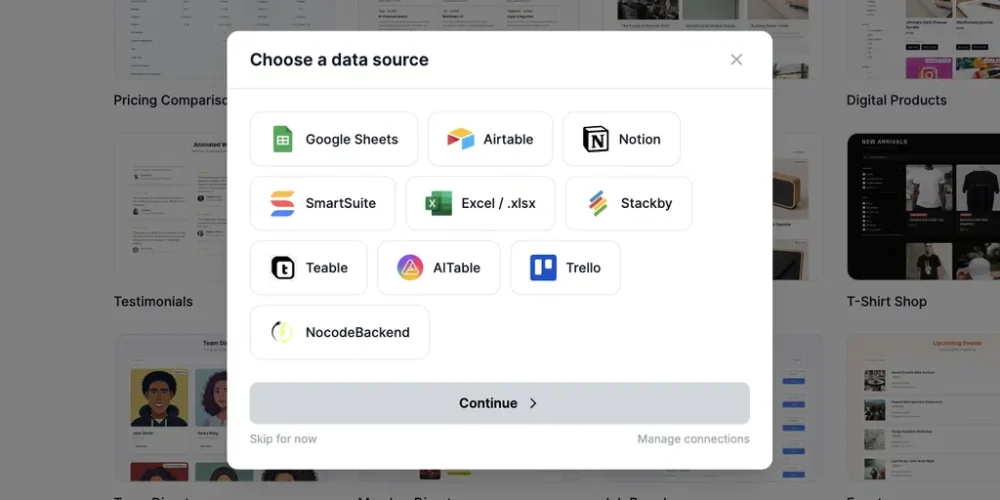
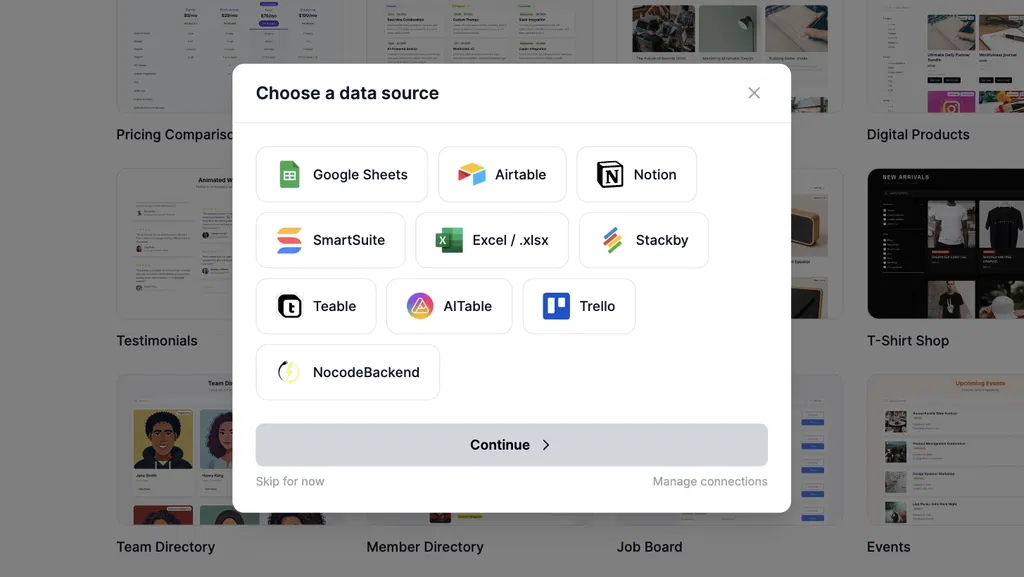
Shareables turns spreadsheet-style data into websites and embeddable widgets. If your catalogue, directory or events list already lives in Google Sheets, Airtable or another supported source, the attraction is keeping the public presentation connected to the data you maintain.
My verdict: Shareables is worth shortlisting for a directory, searchable catalogue or frequently updated information site. Its strongest use case is reducing duplicate updates. Check access controls, publishing limits and search visibility with a real sample first. Password-protected pages and future member logins are different capabilities, and that distinction matters if you want a paid portal.
Check the live Shareables AppSumo offer →
Watch the Shareables AppSumo demonstration
What can you build with Shareables?
The AppSumo listing describes multi-page sites, data-driven blocks and detail pages. Widget types include directories, job boards, calendars, pricing tables, charts and testimonials. Visitors can use search, filters and sorting, while the owner changes the connected source rather than rebuilding each public page manually.
That suits a local events directory, a consultant resource library or a product comparison catalogue. Start with one audience and one information task. A spreadsheet with hundreds of columns is not automatically a useful website; the visitor needs a clear route to the few fields that help them choose.
Shareables AppSumo lifetime deal pricing
These were the first four displayed tiers on 23 November 2026. Prices are discounted US dollars, subject to checkout taxes and subsequent promotion changes.
| Tier | Price | Published websites | Active widgets/iFrames | Projects |
|---|---|---|---|---|
| 1 | $62.10 | 1 | 10 | 1 |
| 2 | $134.10 | 5 | 50 | 3 |
| 3 | $269.10 | 10 | 100 | 8 |
| 4 | $404.10 | 25 | 250 | 20 |
The table also lists Google Sheets, Airtable and Notion integrations, custom domains with SSL, whitelabeling, analytics, payment acceptance and custom CSS/JavaScript. Website, widget and project counts are separate limits. Ask how duplicated sites, archived projects and widgets embedded on multiple pages are counted before buying for client work.
The listing showed a 60-day refund window. Confirm source-specific row limits, traffic policies, refresh behaviour and any additional charges in the current terms. The connected data platform can have its own account limits even when the Shareables licence fits your needs.
A practical directory workflow
Imagine a directory of training providers. Your source contains a name, category, location, description, website and image. In Shareables, you would choose the public fields, create a card layout, add category filters and give each entry a useful detail page. The value comes from a predictable structure and accurate records.
Keep internal fields out of the publishing source where possible. Private notes, customer email addresses and unpublished pricing should not sit beside public data without a deliberate access plan. Test a signed-out visitor view and inspect what the embed or site exposes, rather than relying only on which columns are visually hidden.
Next change an entry in the source and time the update. The listing promotes instant refresh, but verify actual behaviour for your chosen connector, caching and editing process. Also test deletion and empty cells so a removed event or expired offer does not remain visible unexpectedly.
Payments and protected pages: check the customer experience
The listing describes Stripe, PayPal and Razorpay integrations, a cart and checkout, plus order requests through a custom form. Confirm which providers support your country and product type, what charges apply and where you handle refunds. Software payment support does not remove payment-provider fees or your own customer-service responsibilities.
Password protection can be useful for a simple shared resource. It is not the same as individual user accounts with separate entitlements, password recovery and member-level audit history. The founder’s current update places member logins and forms that write back to data on the 2027 roadmap. Buy for existing features, not an assumed delivery date.
For a paid information resource, test access after purchase, cancellation and refund. Ask whether a shared password can be forwarded and how you would revoke access for one person. If those requirements are central, resolve them before moving paying customers onto the platform.
SEO: a publishing foundation, not a ranking promise
Shareables advertises detail pages, sitemaps and crawlable content. Those are useful capabilities to verify, but they do not establish search demand, originality or a high Google position. A directory needs useful records and supporting editorial information, particularly when competitors already publish similar data.
During the trial, open a published detail page directly and check its title, description, canonical URL and readable content. Confirm that search engines can reach important pages without completing a filter interaction. Submit the correct sitemap and inspect representative URLs in Search Console after publication.
An embedded widget and a separately hosted site can behave differently for indexing and page experience. Decide which URL should earn search visibility before building both. Avoid creating two thin versions of the same catalogue without a clear purpose for each.
Design, translation and maintenance
The listing includes brand controls, custom styling and automatic translation into more than 100 languages. Use those features to improve clarity rather than decorate a difficult dataset. On mobile, test filter controls, long titles, missing images and the steps from a card to its detail page.
Review translated pricing, dates and important conditions with someone competent in the target language. Automatic translation can make a site accessible to more visitors, but it does not prove the information is accurate or locally appropriate. Keep the original data clean and assign responsibility for updates.
Shareables alternatives and related reviews
If your existing site is WordPress and the main requirement is presenting tables and charts, my wpDataTables review is a direct comparison. For broader WordPress design and site-building tools, see the Nexter review.
For structured data collection and forms, compare my Formaloo review. That is especially relevant if you need visitors to submit information rather than simply browse it. If the real project is a campaign landing page, the Leadpages review offers a different route.
Frequently asked questions
Can Shareables replace a membership platform?
Check the current access model carefully. Password-protected pages are available in the listing, while individual member logins are described as a future roadmap item. Choose around the controls available today.
Will a spreadsheet website rank on Google?
It can have the technical foundations for search discovery, but rankings depend on useful content, relevance and many other factors. Verify the actual published pages and indexing rather than assuming a sitemap guarantees traffic.
Who should buy Shareables?
Someone maintaining a public dataset who wants a better website or embed without manually copying updates. Start with a single useful project, prove the source connection and visitor experience, then choose a tier based on the websites and widgets you will really publish.
See Shareables pricing, limits and current availability →
Sources: current AppSumo listing and deal terms and the official sources linked in this review. Prices in USD, checked 23 November 2026; verify the live checkout total.