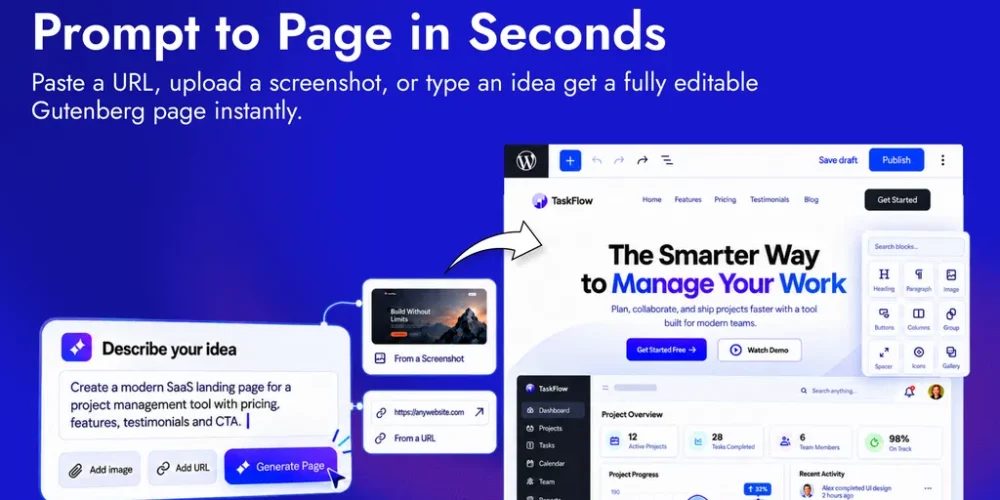
Nexter review: this AppSumo offer is for WordPress users who want a Gutenberg-based building suite with blocks, templates and site extensions. Its newer AI abilities add another way to create editable pages. The first question is whether you want to build with the WordPress block editor.
My verdict is to test a representative page on a staging copy before replacing an existing builder or plugin stack. A suite can simplify maintenance, but only when its features cover the work you actually need. I have not independently benchmarked Nexter’s speed, compatibility or AI-generated output.
Check the live Nexter AppSumo offer →
Watch the Nexter AppSumo demonstration
What is Nexter?
Nexter combines a theme, Gutenberg blocks and extensions for WordPress. The current listing describes page-building elements, dynamic content, templates and site-level utilities. It is relevant to businesses and agencies that want editable WordPress pages rather than a separate hosted website builder.
Gutenberg is central to the decision. If your team already maintains pages in another builder, changing tools may require rebuilding layouts and learning a different editing workflow. Include that effort when comparing the licence price with your current setup.
Nexter AppSumo pricing and site licences
The three lifetime tiers checked on 23 November 2026 showed these site allowances.
| Tier | Price | Sites |
|---|---|---|
| 1 | $53.10 | 1 |
| 2 | $125.10 | 10 |
| 3 | $206.10 | Unlimited |
The overview places WooCommerce blocks at Tier 3. Verify the exact licence access for store building and white-label requirements before buying. The listing describes Nexter Abilities across plans, while the assistant provider bills its own usage separately.
Count the websites you expect to maintain, including the way staging and development installations are treated under the licence. Unlimited sites can be useful for an agency, but it is unnecessary capacity if you only maintain one business website.
Blocks and templates should support the content
Start with the page’s purpose, then choose the layout. A service page needs a clear offer, useful proof and an obvious next action. A large block library can help express that structure, but adding more effects does not make the offer clearer.
Build a small set of reusable patterns for common sections. Keep headings, buttons, spacing and colours consistent. This makes future editing easier for someone who did not build the original page.
For campaign visuals, my VistaCreate review covers a separate design tool. Use accurate, relevant assets and compress them appropriately before adding them to the site.
AI page creation still needs review
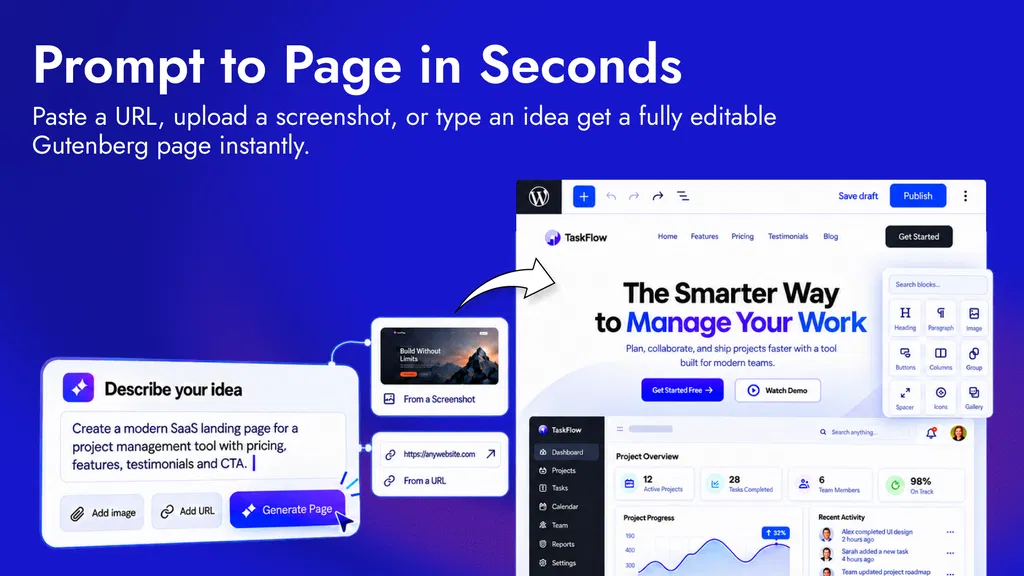
The official Nexter Abilities page describes composing real editable blocks from prompts and reference material. It also describes authenticated access and permission checks. This is a vendor explanation, not a workflow I have independently tested.
Give the assistant a precise brief: audience, offer, required sections, approved proof and the action the visitor should take. Review the resulting copy and layout together. A plausible design can still contain invented claims or a call to action that does not match the business.
Use reference material you are entitled to use. A screenshot can help communicate structure or style without giving you permission to reuse another business’s protected assets or claims. Replace placeholders with genuine brand material before publishing.
Plugin consolidation needs a feature map
The claim that a suite can replace many plugins is a starting point for evaluation. List the plugins currently installed and the specific job each performs. Then check whether Nexter covers the exact behaviour, integrations and data you need.
Do not remove a working plugin simply because a feature name appears similar. A simple form, a complex conditional workflow and a payment form may have very different requirements. My Formaloo review examines a separate platform when the process around collected data is the larger need.
Make changes on a copy and test one feature at a time. Keep a recovery route and preserve the original records. Consolidation is valuable when it reduces maintenance without losing an important business function.
Performance: measure your real page
A fast theme is one part of page performance. Hosting, images, fonts, third-party scripts and the layout all contribute. A vendor speed claim should not replace measuring the actual page with your content and normal integrations.
Test a representative mobile page, including the hero image, navigation, form and any animation. Check whether the page remains stable while loading and whether the main action is usable before every decorative element finishes.
Compare before and after under similar conditions. A cleaner layout may improve the experience more than enabling another optimisation setting. Keep the result understandable so a future editor does not accidentally undo the benefit.
Dynamic content and site structure
Dynamic layouts are useful when several pages share the same structure but display different records. Define the content fields and templates before building a large library. Clear structure makes both manual editing and automation easier.
The official fields-and-abilities guide describes working with content models and capability requirements. If you plan to use those tools, test the specific field and post-type workflow on a sample site.
Check empty and unusually long values. A template that looks balanced with a short demo title may break with a real service name or a missing image. These cases are part of the design, not rare exceptions to ignore.
WooCommerce and client sites
If the store blocks are the reason to buy Tier 3, test the complete customer journey. Include product options, cart changes, checkout, confirmation and account pages using an appropriate test setup. A good-looking product page is only one part of the transaction.
For client sites, document which features the team has enabled and how the client should edit content. White labelling can change presentation, but the agency still needs a practical support and update process.
My WordPress design guide provides broader context for planning a site. Keep the business objective and content structure ahead of the choice of effects and templates.
Nexter versus a hosted page builder
My Leadpages review covers a hosted landing-page offer. Compare who maintains the site, where the data lives and how your team will make changes. The licence price alone does not capture hosting and maintenance work.
Is Nexter a direct replacement for every builder?
No. Test the layouts, features and editing process you currently depend on.
Does the licence include free AI usage?
The listing separates Nexter access from the bill charged by your chosen assistant provider.
My Nexter verdict
Nexter could suit a Gutenberg-focused WordPress workflow. Choose the site allowance and store access you need, then test a complete page and its business functions before changing a live site.
See Nexter pricing, limits and current availability →
Sources: current AppSumo listing and deal terms and the official sources linked in this review. Prices in USD, checked 23 November 2026; verify the live checkout total.